Typography & CJK type
Open-licensed Chinese, Japanese and Korean type, punctuation, and multilingual setting · 11 lessons
Lesson 1 of 11 · Text effect
Text effect by Animata
Type that moves draws the eye without extra imagery; the motion follows the letters, so the message stays the hero.
When to use it: Hero lines, headings, counters and short labels that deserve a moment of attention.
How to tune it: Duration, stagger between letters or words, easing, and the colours used for gradients or highlights.
Lesson 2 of 11 · Text effect
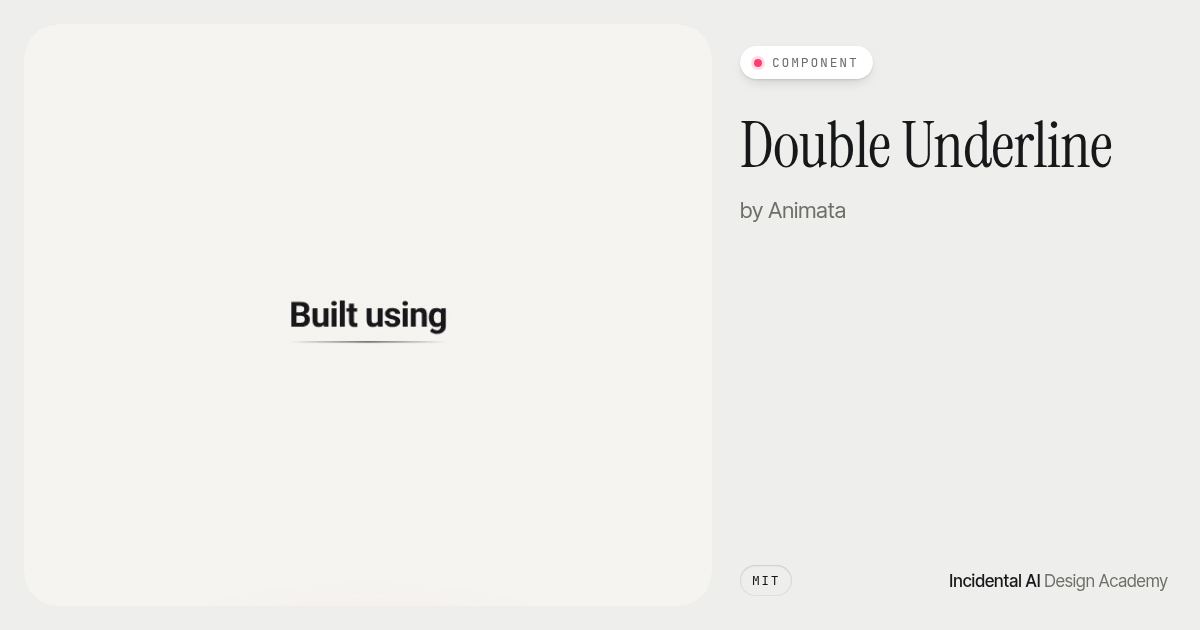
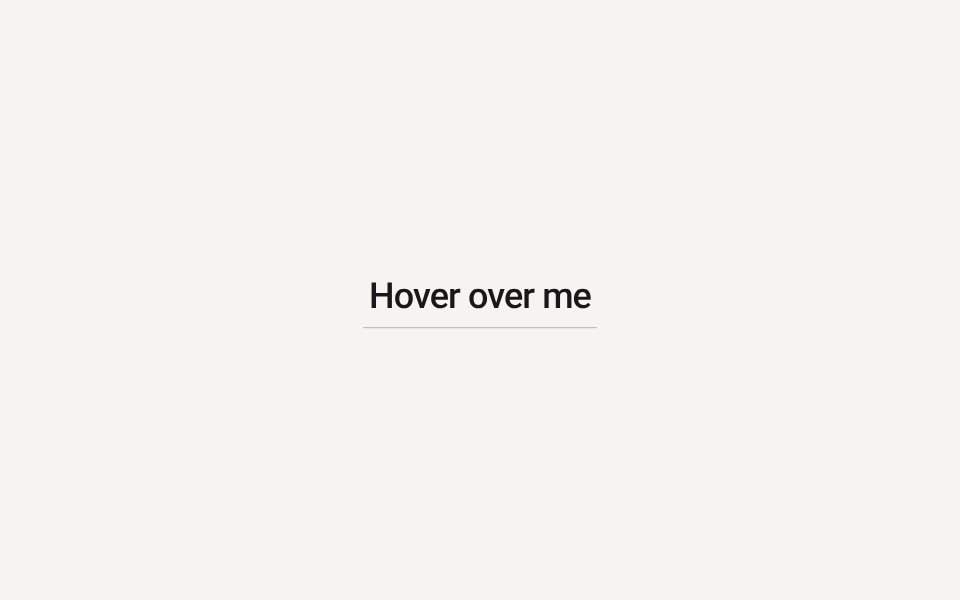
Double underline link
On hover two fine underlines fade in with soft gradient ends while letter spacing tightens slightly, a refined link style.
When to use it: Article links, footer links and elegant navigation.
How to tune it: Change the -bottom-[3px] offset, the via-current/70 gradient, the duration-500 timing and the hover tracking.
Lesson 3 of 11 · Text effect
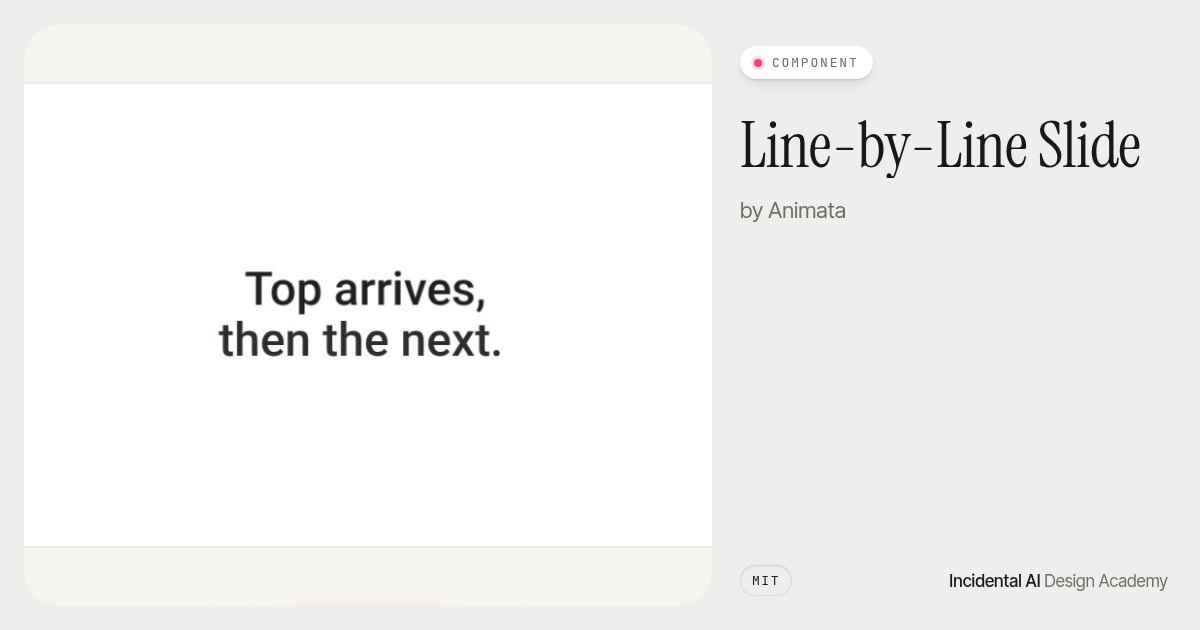
Line by line slide text
Each line slides in 48px from the left with a 120ms gap and leaves to the right, so a stacked headline reads top down.
When to use it: Two-line hero statements, slide decks and editorial intros.
How to tune it: Adjust enter.staggerMs (120), the xPx -48 start, durationMs (900), plus swap mode and holdMs.
Lesson 4 of 11 · Text effect
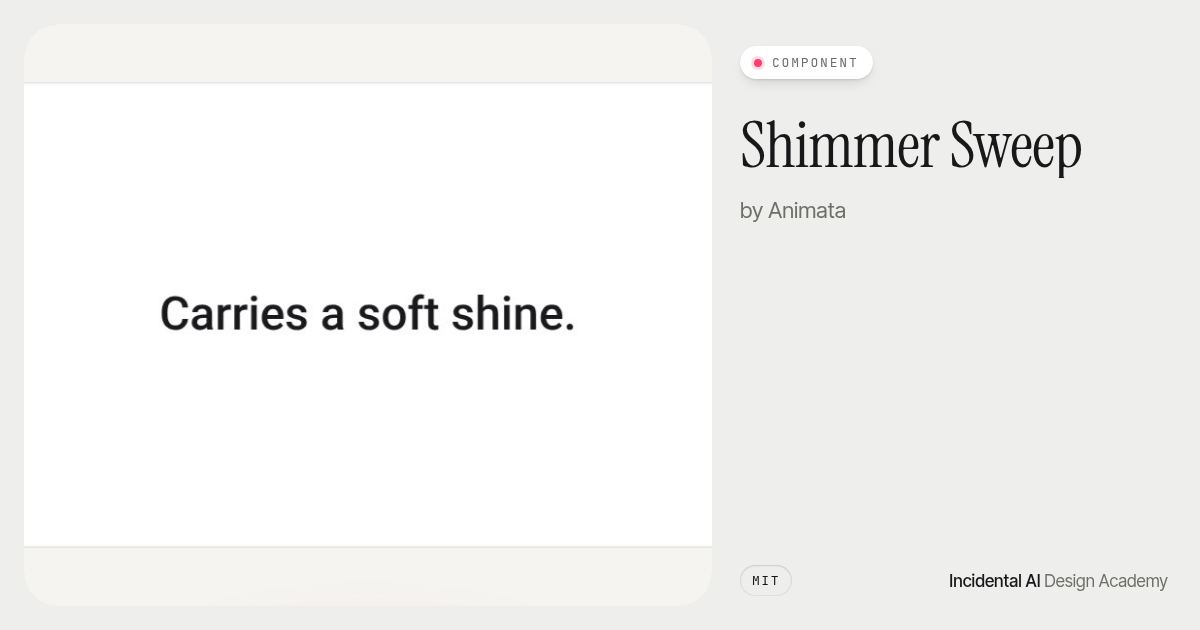
Shimmer sweep text
The line drifts in 22px from the left out of an 8px blur over 850ms and leaves to the right the same way, carrying a soft shine.
When to use it: Premium product names, launch headlines and quotes.
How to tune it: Adjust enter.durationMs, the xPx and blurPx in from, the exit values, plus swap mode and holdMs.
Lesson 5 of 11 · Text effect
Soft line swap text
The old line fades out and the new one arrives with a 6px rise and a tiny 2px blur in 420ms, a clean swap that never distracts.
When to use it: Rotating status lines, testimonials and subtle UI copy changes.
How to tune it: Adjust enter.durationMs, the blurPx and yPx in from, the scale 0.99 start, plus swap microDelayMs and holdMs.
Lesson 6 of 11 · Text effect
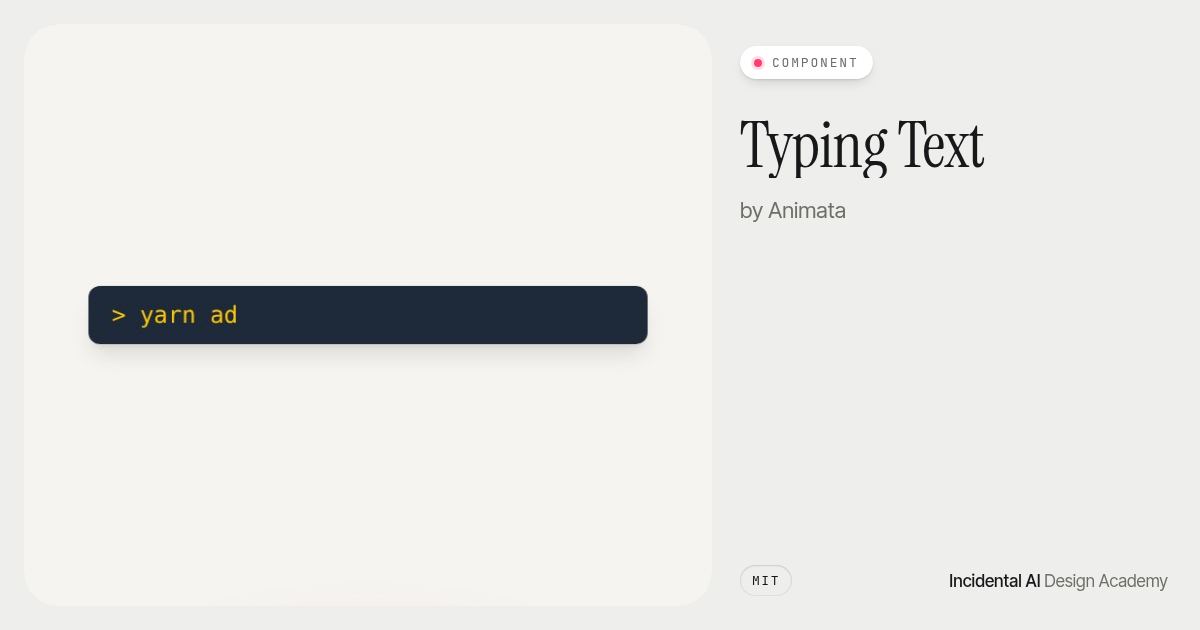
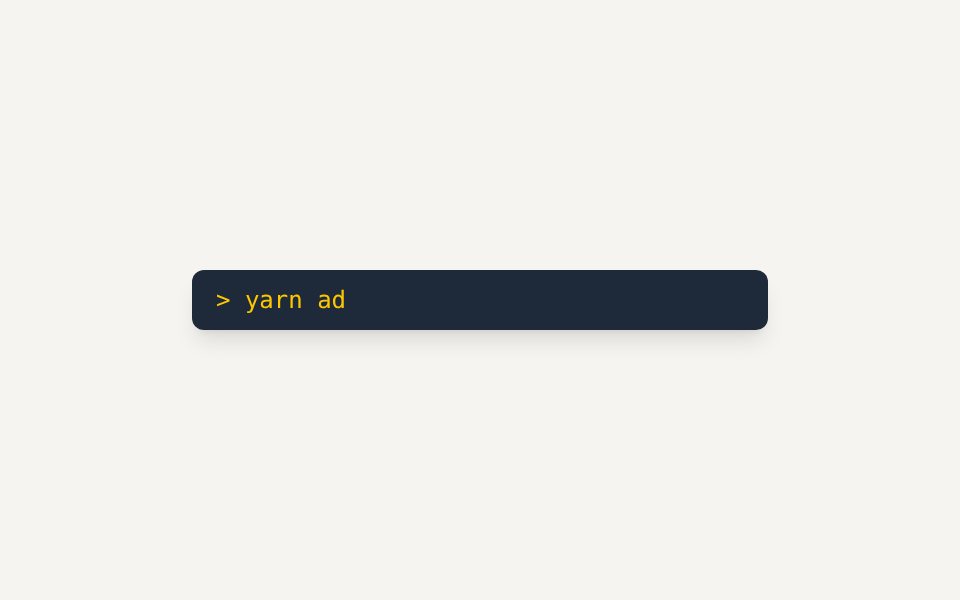
Typewriter text
Characters appear one by one with a blinking cursor, can repeat after a wait, and optionally grow smoothly, like someone typing live.
When to use it: AI chat demos, hero taglines and terminal-style intros.
How to tune it: Set text, delay, repeat, waitTime, smooth, grow, cursor and hideCursorOnComplete.
Lesson 7 of 11 · Signature effect
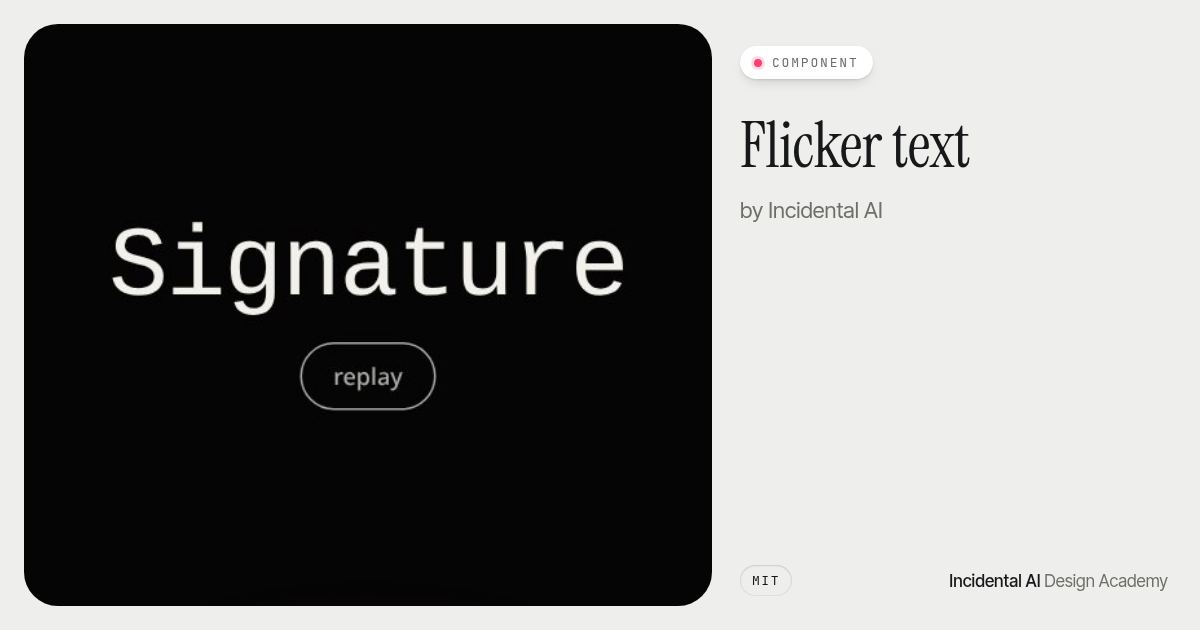
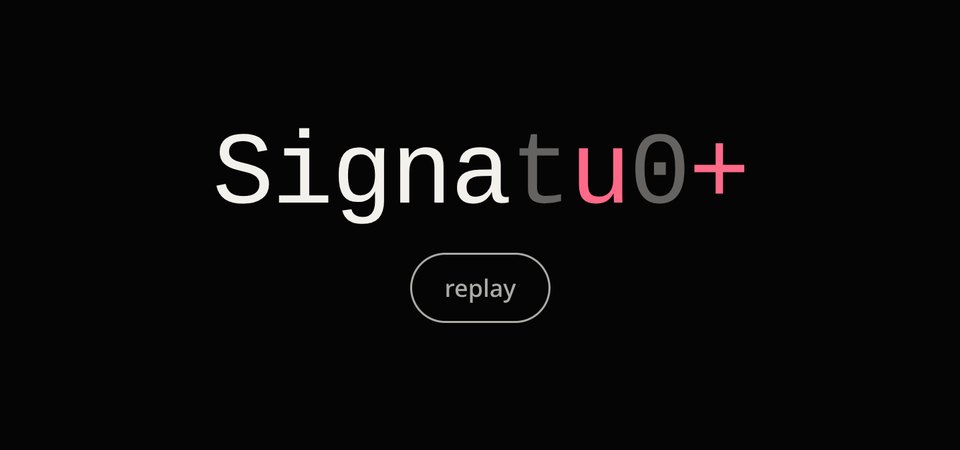
Flicker text
Letters scramble through symbols and lock into place one by one, like a terminal booting.
When to use it: Short headlines, product names and loading labels.
How to tune it: Change the word, the symbol set, the delay per letter and the repeat interval.
Lesson 8 of 11 · Signature effect
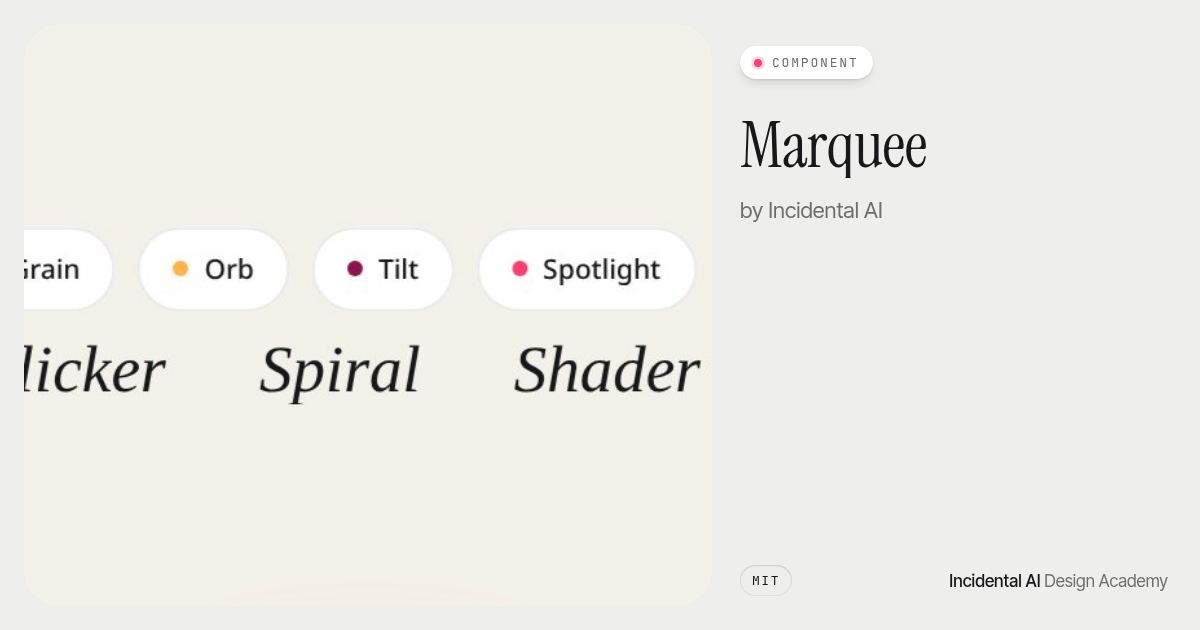
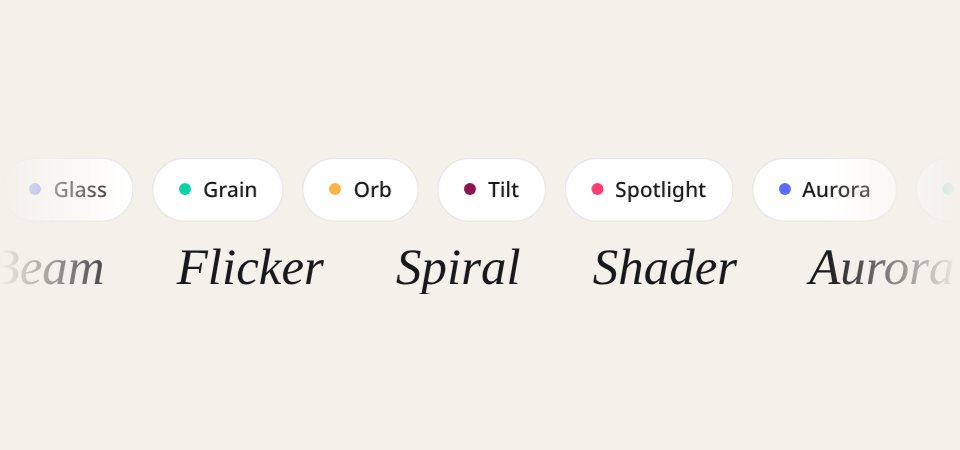
Marquee
Two rows scroll in opposite directions with faded edges and pause on hover.
When to use it: Logo walls, topic lists and testimonials.
How to tune it: Adjust the speed per row, the direction, the gap and the edge fade width.
Lesson 9 of 11 · Signature effect
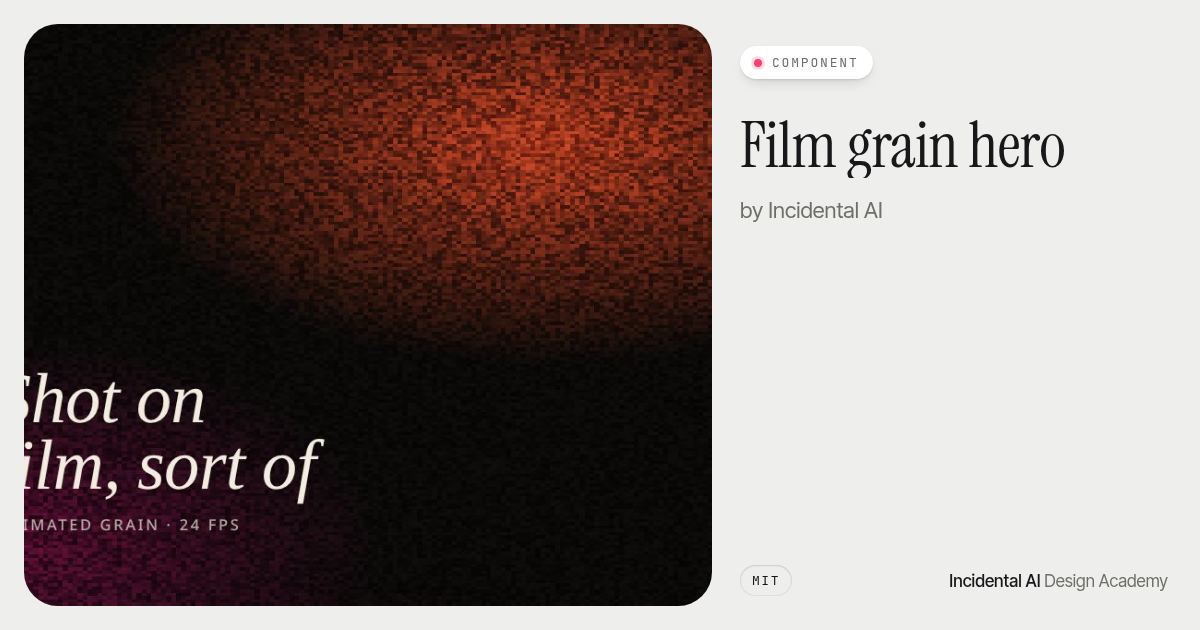
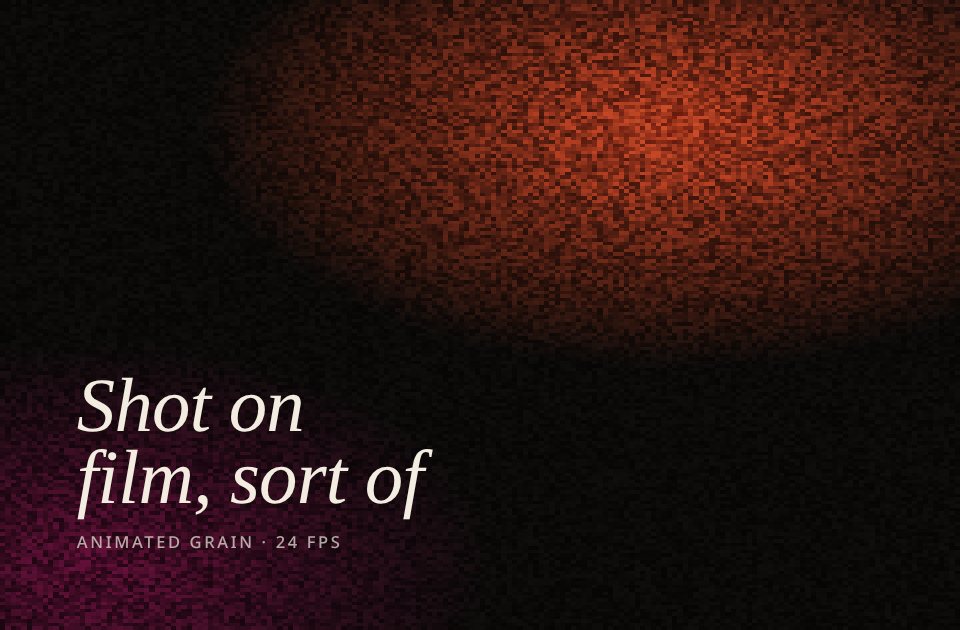
Film grain hero
Animated grain over warm gradients gives a digital page the texture of film.
When to use it: Editorial heroes, portfolios and cinematic landing pages.
How to tune it: Adjust the grain opacity, the frame rate, the blend mode and the gradient colours.

Lesson 10 of 11 · Text effect
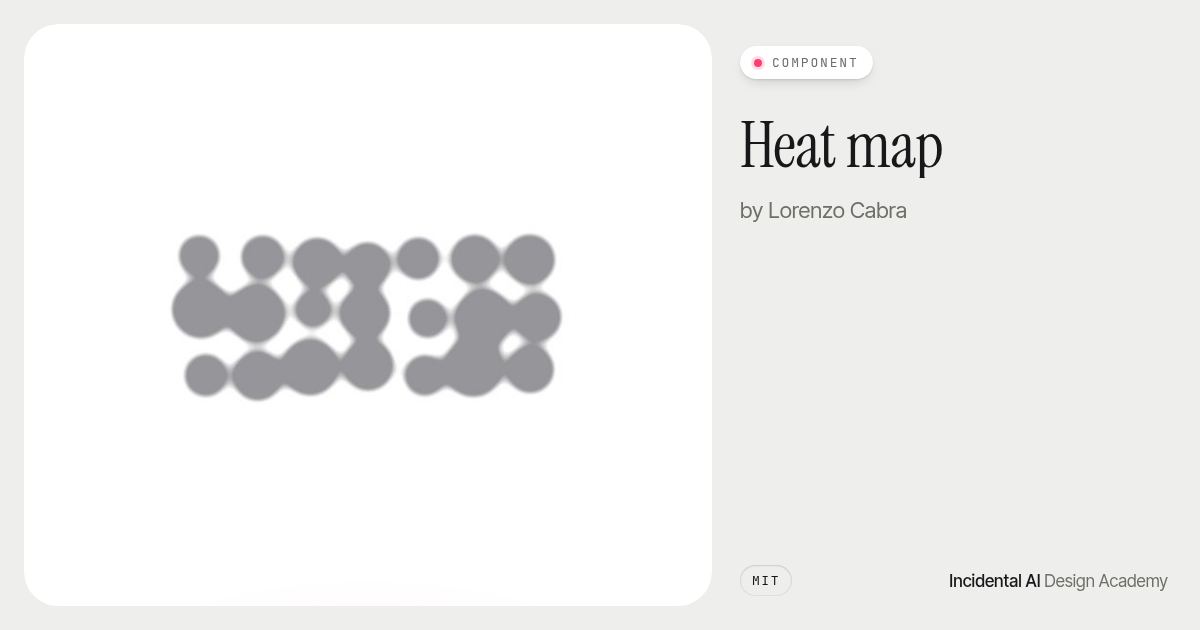
Heat map
Type that moves draws the eye without extra imagery; the motion follows the letters, so the message stays the hero.
When to use it: Hero lines, headings, counters and short labels that deserve a moment of attention.
How to tune it: Duration, stagger between letters or words, easing, and the colours used for gradients or highlights.
Lesson 11 of 11 · Text effect
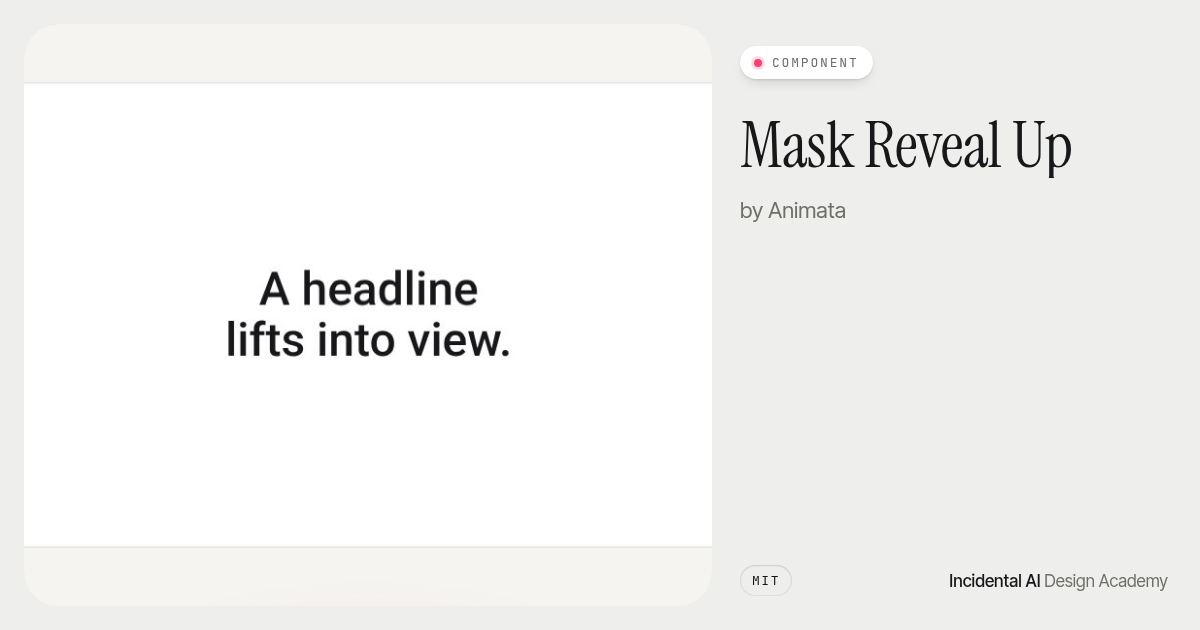
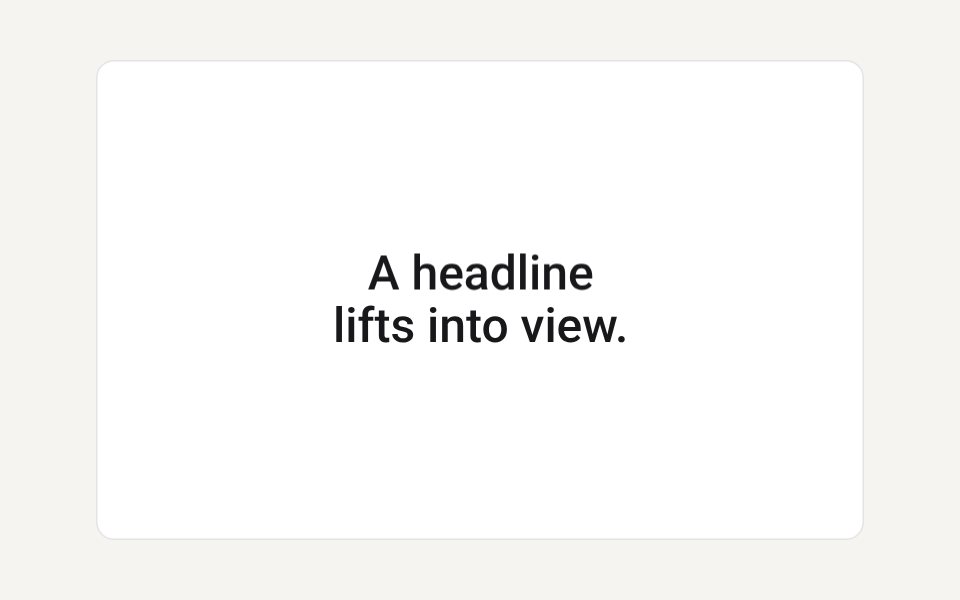
Mask reveal up text
Each line lifts 30px out of a 6px blur with a 90ms gap between lines, so a two-line headline rises into view in order.
When to use it: Multi-line hero headlines and editorial intros.
How to tune it: Adjust enter.staggerMs (90), the yPx 30 and blurPx 6 start values, durationMs (760), plus speed and holdMs.