Motion
Loaders, text motion and loops that stay calm · 6 lessons

Lesson 1 of 6 · Loader
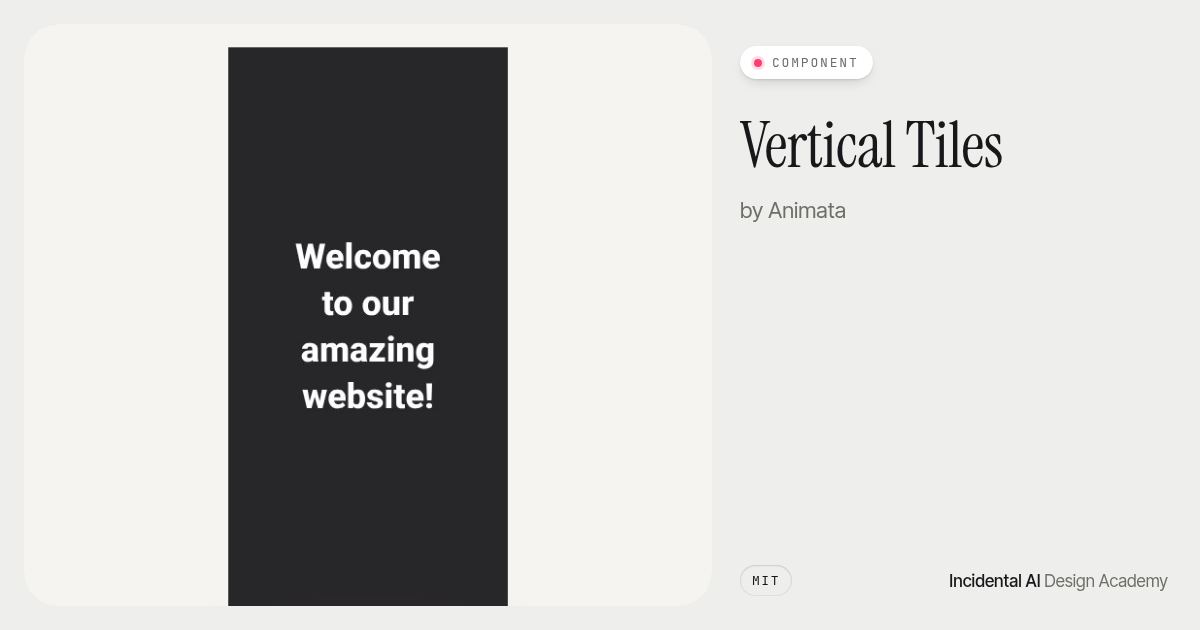
Vertical tiles page reveal
When it scrolls into view, a curtain of vertical strips slides away one strip after another, uncovering the content underneath.
When to use it: Page intros, section reveals and portfolio entrances.
How to tune it: Pass tileClassName, minTileWidth (32), animationDuration (0.5), animationDelay (1) and stagger (0.05).
Lesson 2 of 6 · Loader
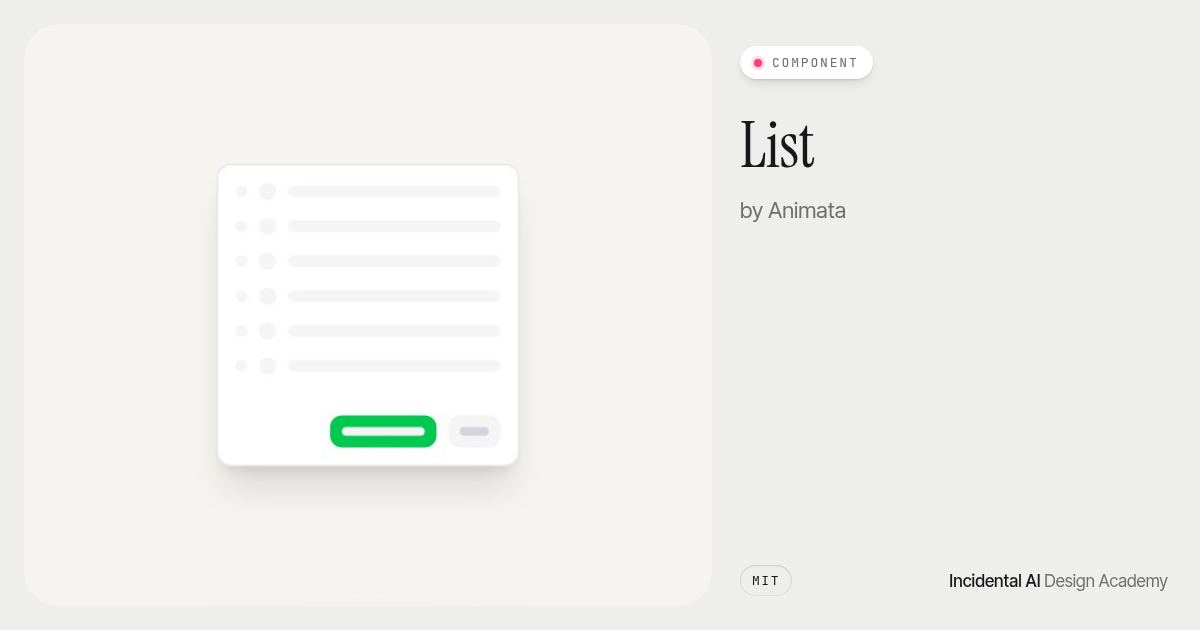
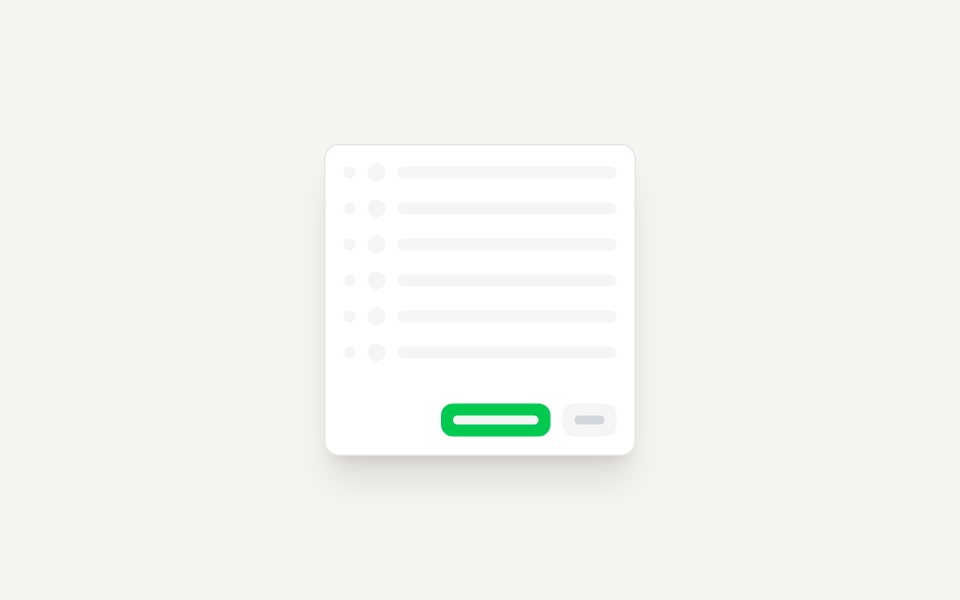
List skeleton
Six rows of a dot, a square and a bar plus two buttons outline a list before it loads, and the card shadow softens on hover.
When to use it: Lists, inboxes and task panels while data loads.
How to tune it: Change the six-row count, the bg-muted block colour, the w-52 card width and the green confirm button.
Lesson 3 of 6 · Signature effect
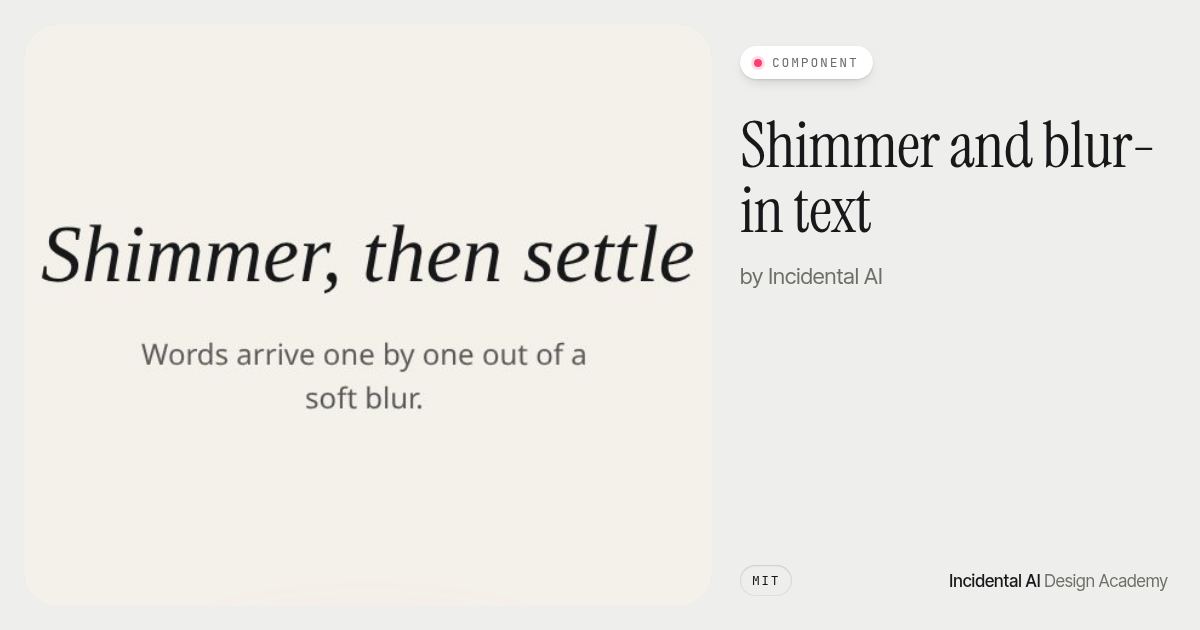
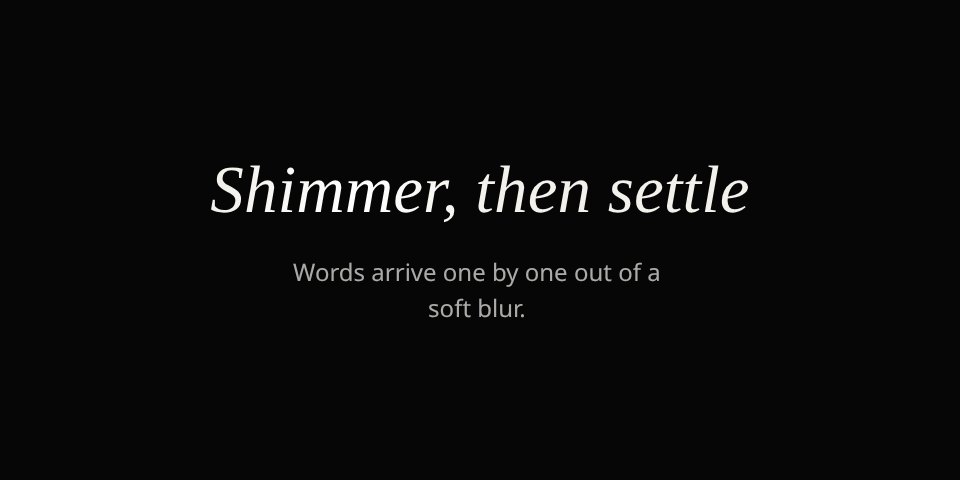
Shimmer and blur-in text
A light band sweeps the headline while the sentence arrives word by word out of a soft blur.
When to use it: Hero headlines, empty states and onboarding steps.
How to tune it: Change the shimmer colour, the sweep speed, the word delay and the blur amount.
Lesson 4 of 6 · Signature effect
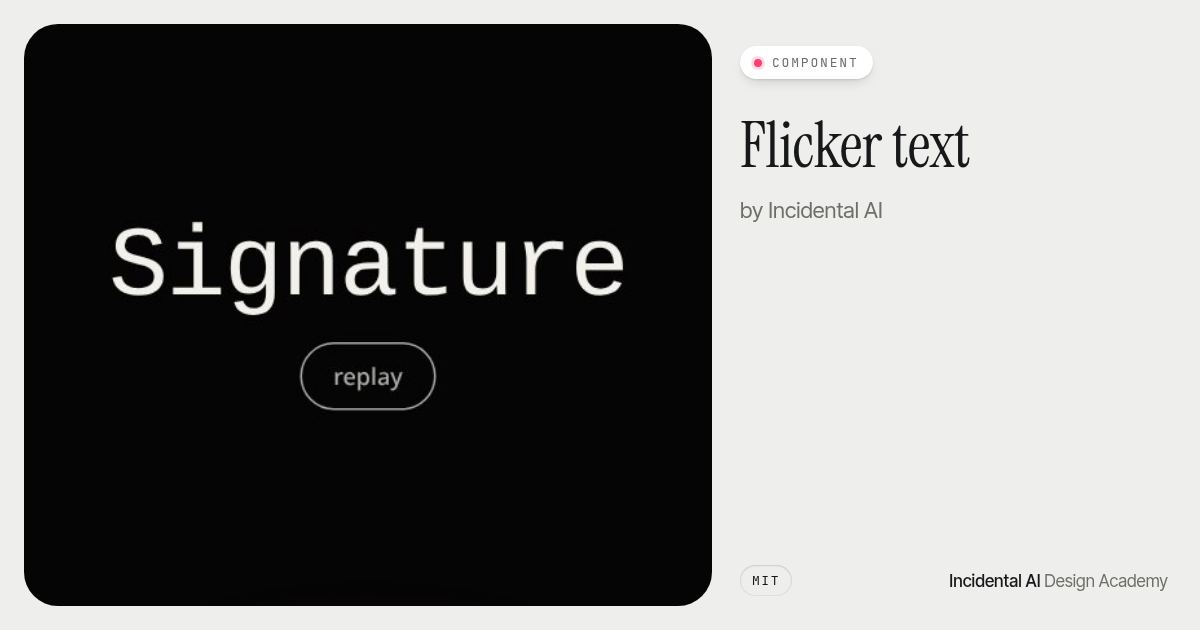
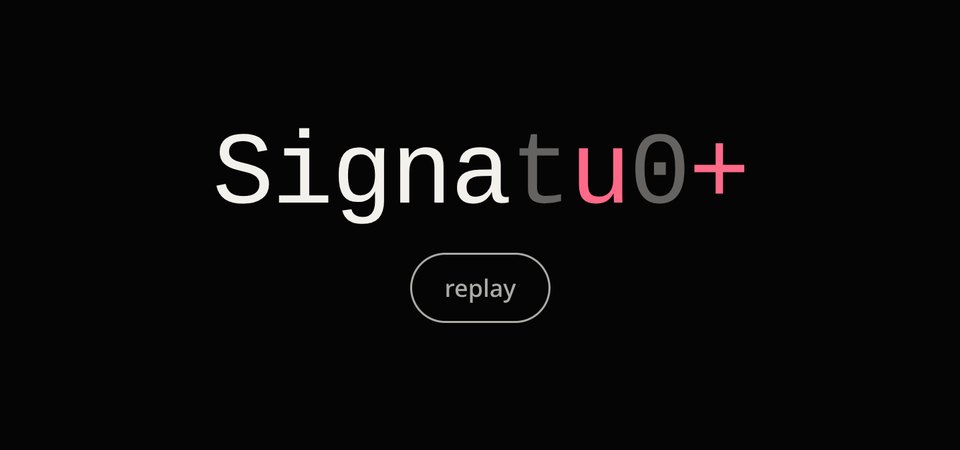
Flicker text
Letters scramble through symbols and lock into place one by one, like a terminal booting.
When to use it: Short headlines, product names and loading labels.
How to tune it: Change the word, the symbol set, the delay per letter and the repeat interval.
Lesson 5 of 6 · Signature effect
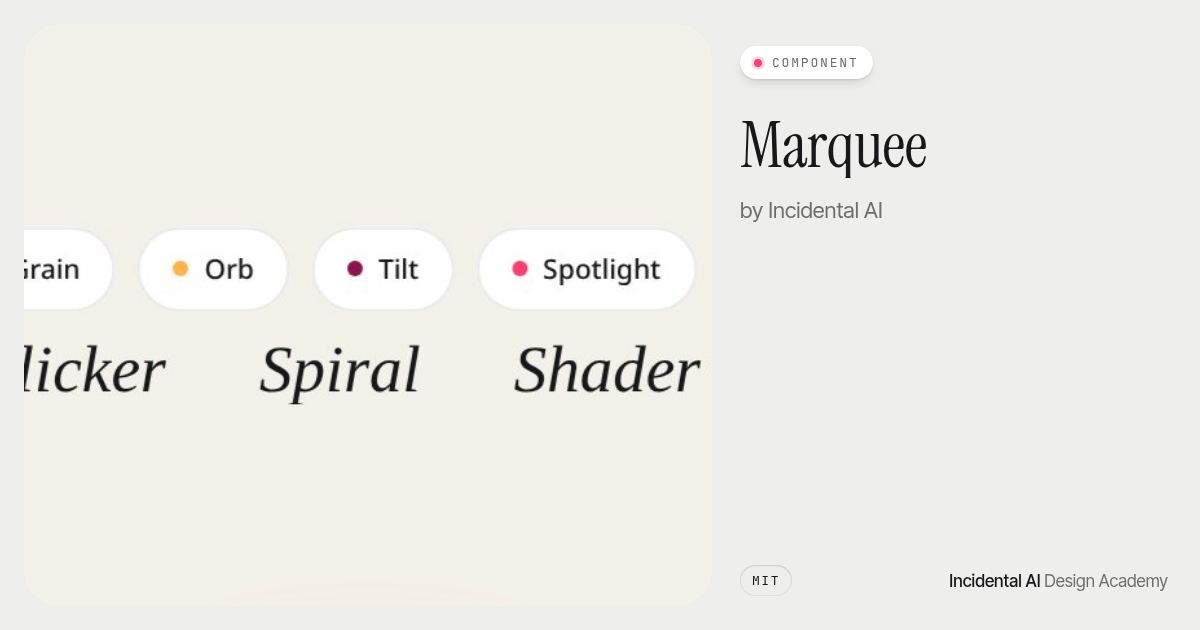
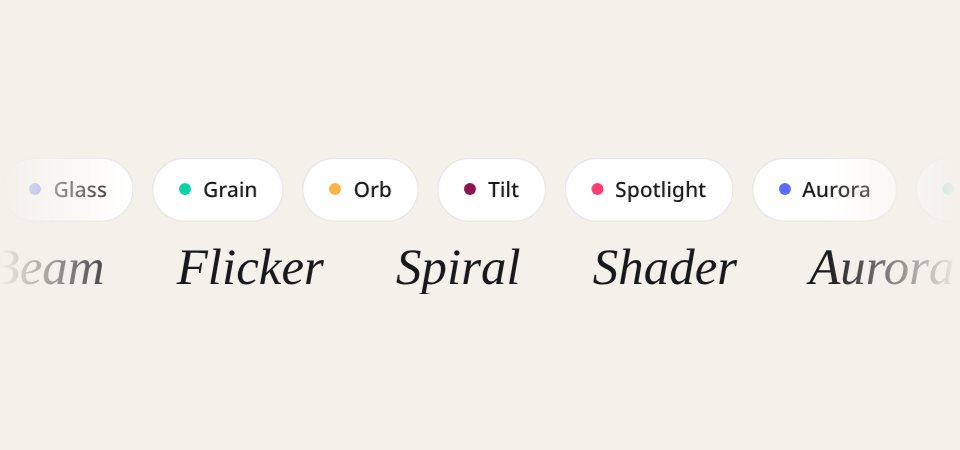
Marquee
Two rows scroll in opposite directions with faded edges and pause on hover.
When to use it: Logo walls, topic lists and testimonials.
How to tune it: Adjust the speed per row, the direction, the gap and the edge fade width.
Lesson 6 of 6 · Signature effect
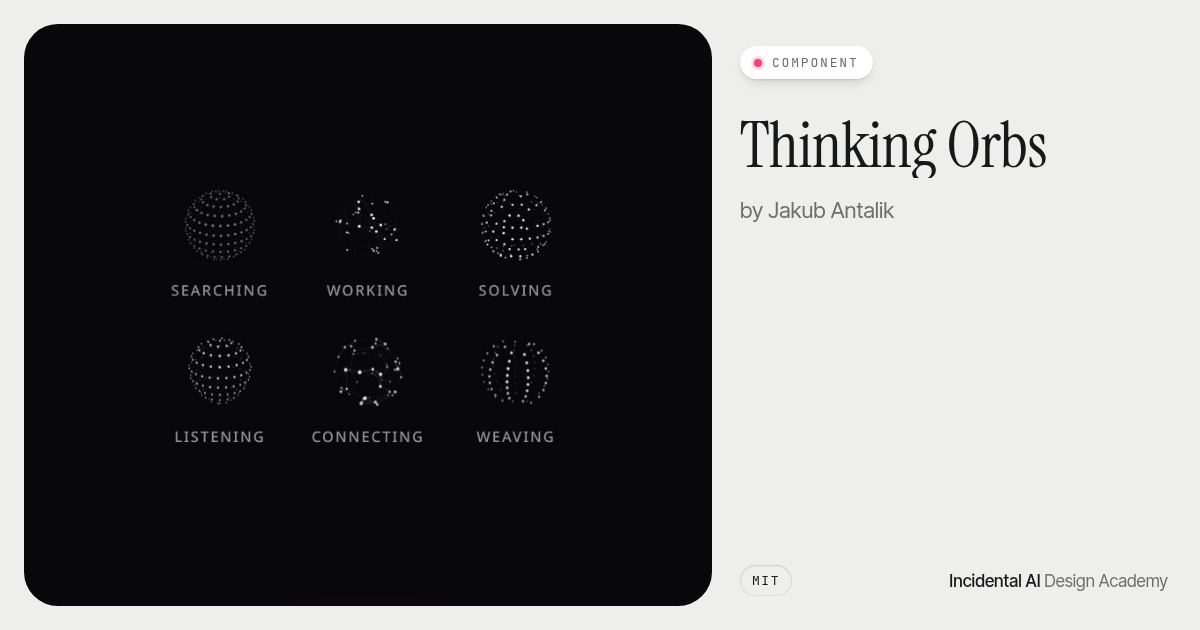
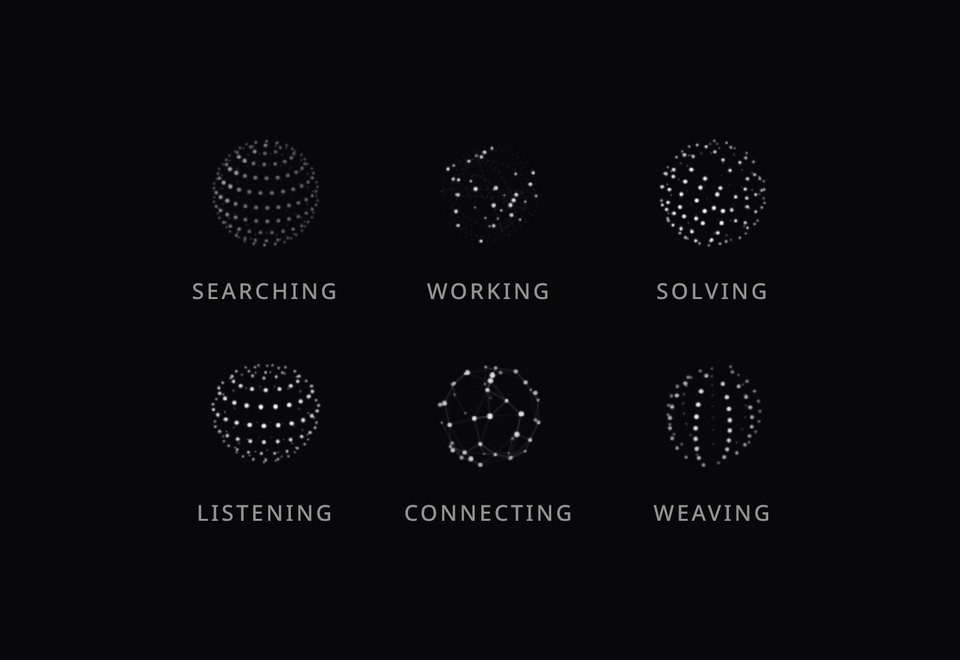
Thinking Orbs
Small dotted spheres show different kinds of thinking with distinct motion.
When to use it: AI status for searching, working, solving or listening.
How to tune it: Set state, size, speed, theme and paused.