Performance
PassFrame rate: 60 fps average, p5 59.5 · Long tasks: 0 tasks, 0 ms total, longest 0 ms · Source gzip 1.9 KB · Runtime 2.5 KB
cuddly-cougar-90MITButtonUiverse.io
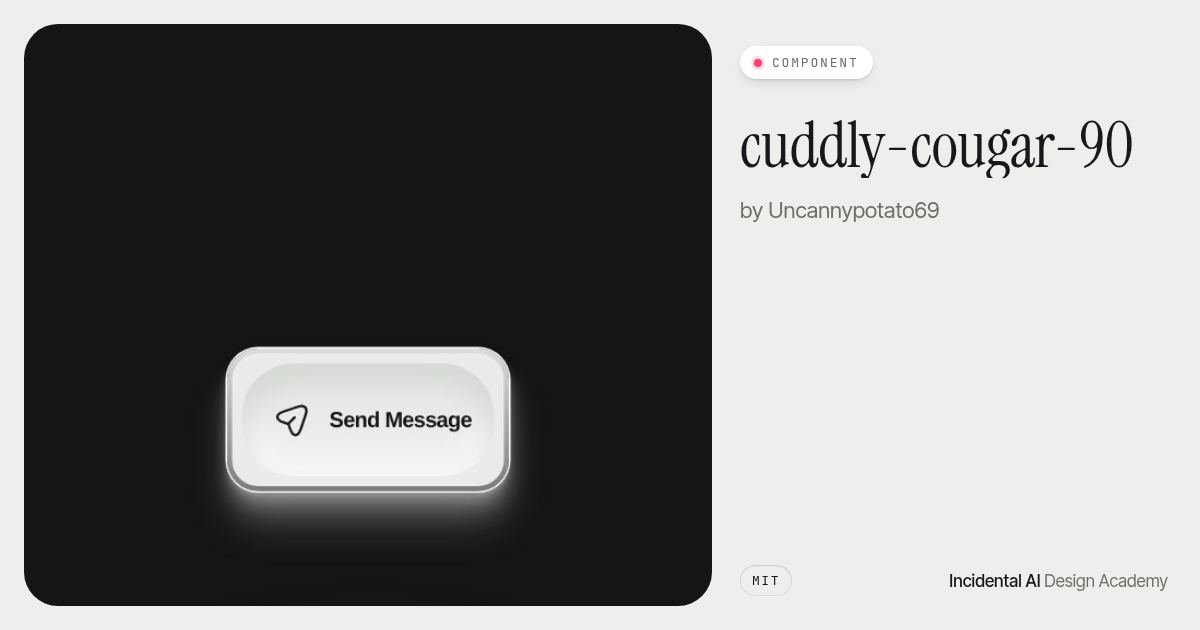
A button built with plain HTML and CSS by Uncannypotato69. Collected from Uiverse.io under the MIT licence and shown here live.
Shown at real size.
The copy starts with the licence notice. Keep it when you use the code.
Quality report
The grade and score come from automated checks run at build or test time. If a check did not run, it is marked Not tested — numbers are never invented.
Frame rate: 60 fps average, p5 59.5 · Long tasks: 0 tasks, 0 ms total, longest 0 ms · Source gzip 1.9 KB · Runtime 2.5 KB
Issues 0 · Screen reader: Needs attention
No continuous motion
No overflow
Frame rate and long-task figures were measured in headless Chromium with software WebGL. They are only comparable between components on this site, and do not represent real devices.
Not applicable: no visible animation at rest. Hover-triggered animation was not tested.
No axe-core violations.
Checked Nov 15, 2026 · Figures come from an automated script, not from hand-written samples.
Controls · HTML · CSS · JS
Edit the code and tune it with the controls. The preview updates as you type.
This component runs from a bundled build, so its script is read-only here. Edit the HTML and CSS; the full source is in the Code tab.
Edit every component live, tune it with controls, download the full source and copy the advanced prompts.
$49 one-timePlaceholder price
Test mode: no real payment is taken.
Free: preview, copy buttons and the lesson notes.
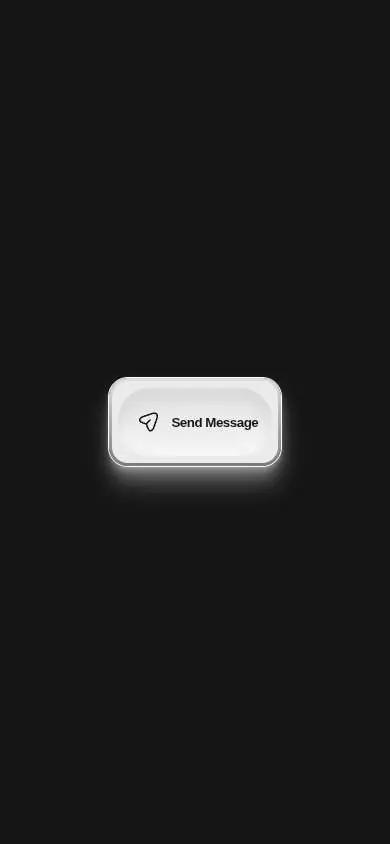
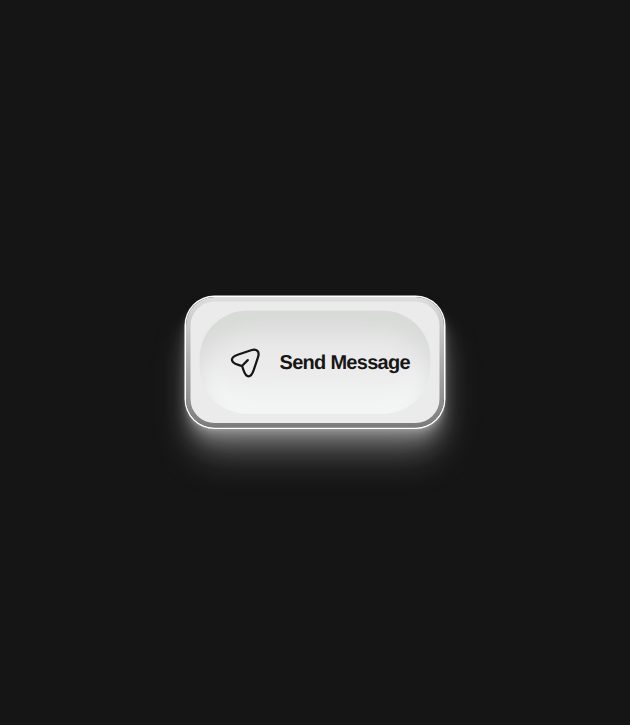
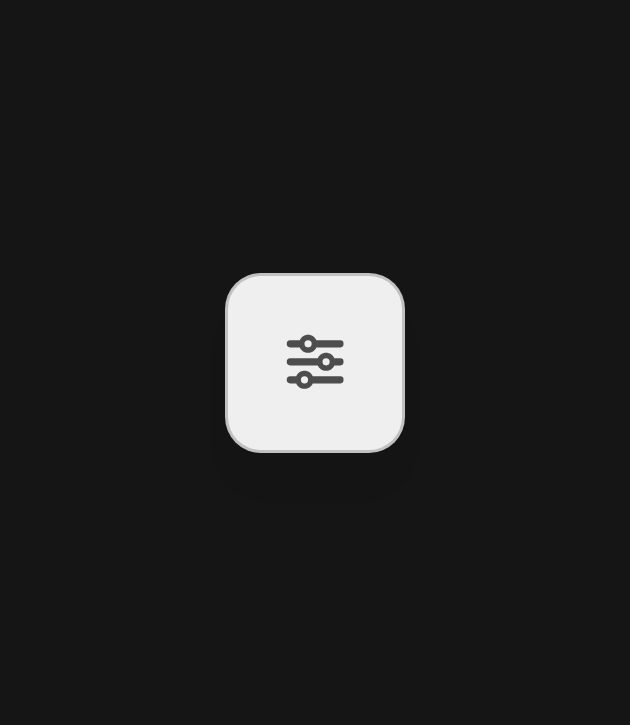
A pale grey button holds a rounded send icon and label inside, lifted by a stack of fine shadows that feel natural and soft.
Send message, submit and contact actions.
Set --shadow-color (0deg 0% 73%) and the --shadow layers, the #ebebeb fill, the 1rem radius and the 200ms transition.
Build a "Soft layered send button" component in plain HTML, CSS and JavaScript (no framework). A pale grey button holds a rounded send icon and label inside, lifted by a stack of fine shadows that feel natural and soft. Use it for: Send message, submit and contact actions. Expose these controls: Set --shadow-color (0deg 0% 73%) and the --shadow layers, the #ebebeb fill, the 1rem radius and the 200ms transition. Support light and dark themes, respect prefers-reduced-motion with a still frame, keep text readable and controls keyboard accessible. Write original code; do not copy from paid or restricted component libraries.
A longer prompt with tuning, accessibility and integration steps.
 KSAplay
 vinodjangid07
 albertofanini-prog
 mi-series
 vinodjangid07
 nhfiz
 guilhermeyohan
 vinodjangid07